Learning Git and GitHub together
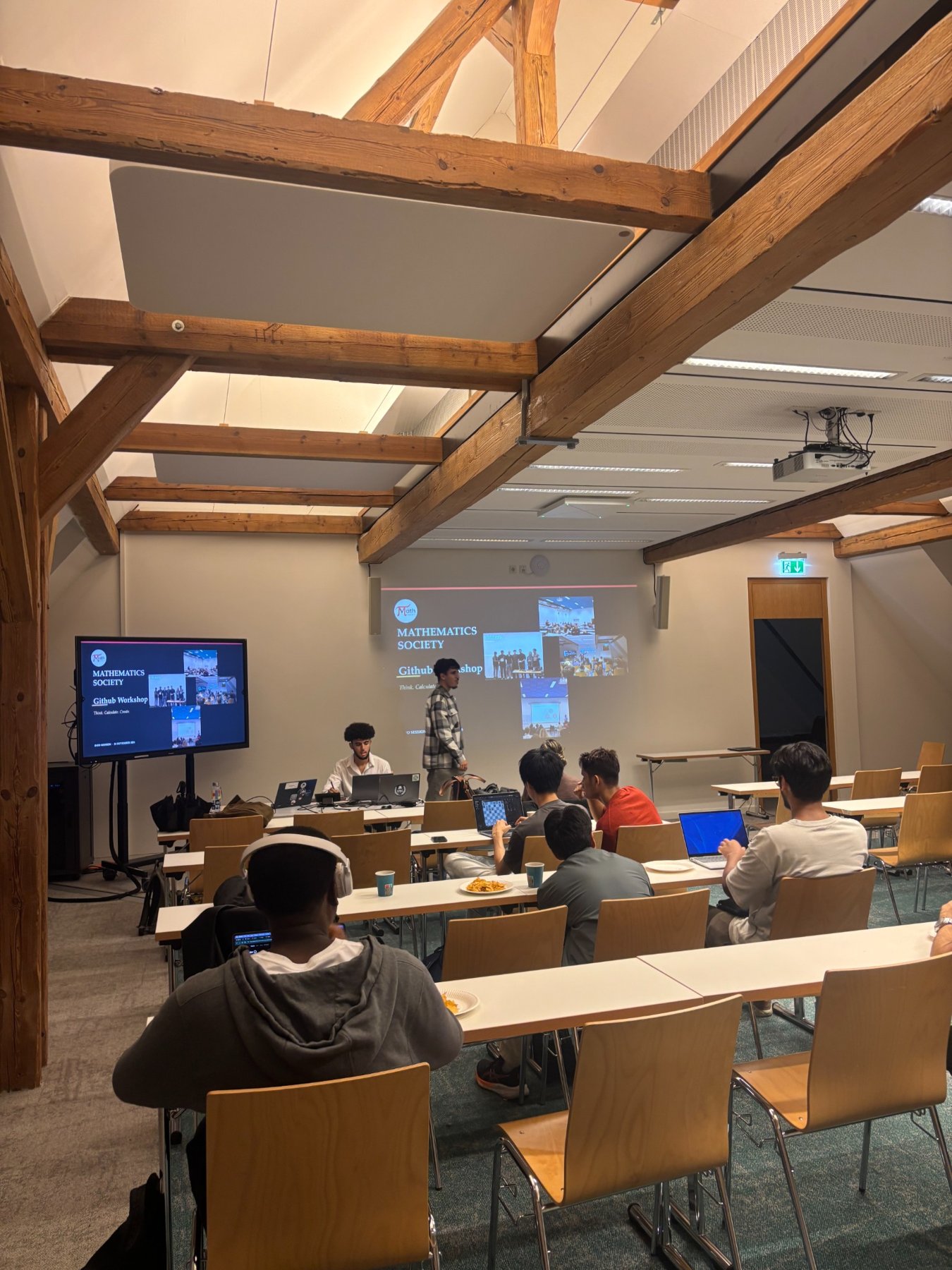
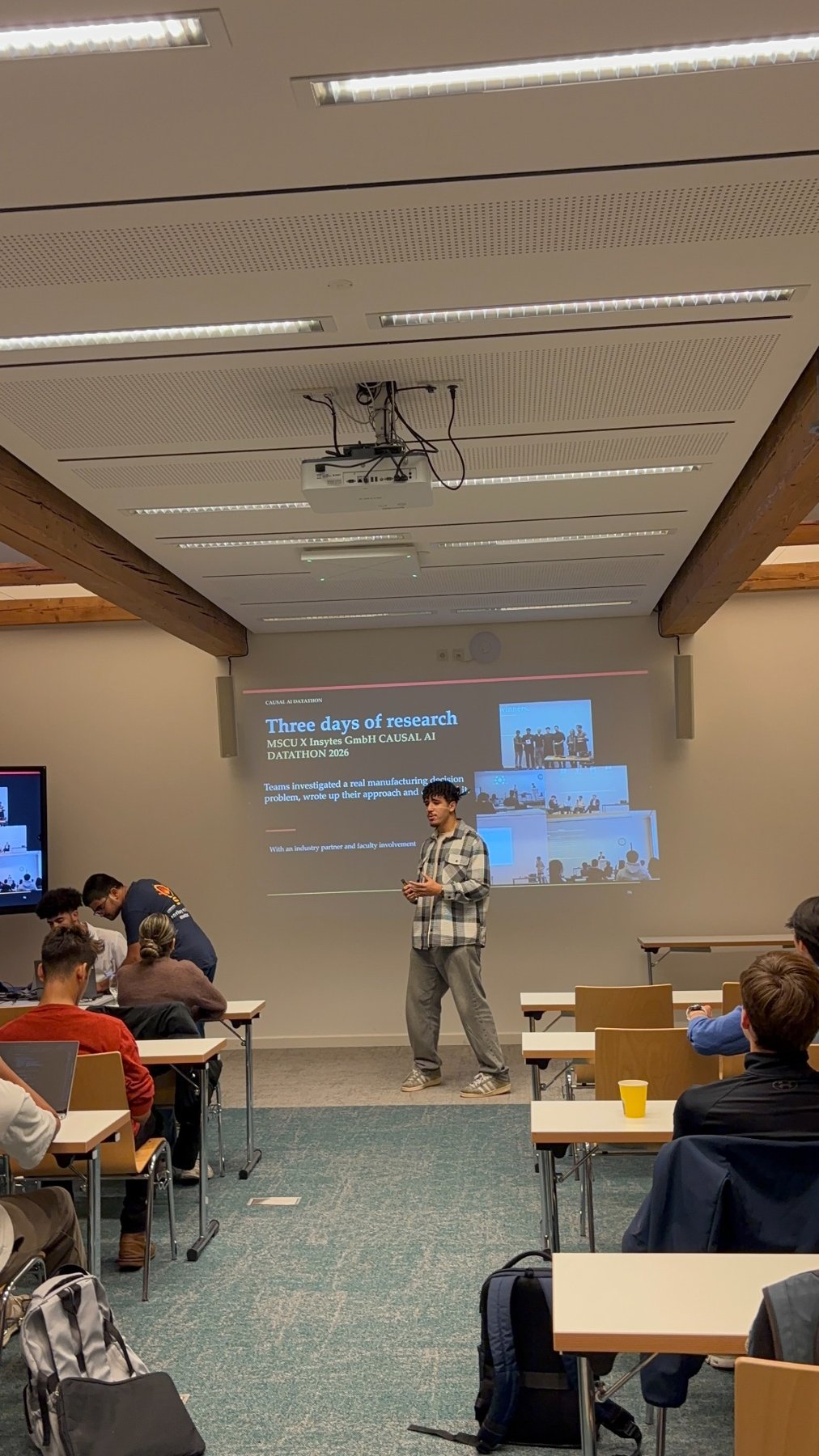
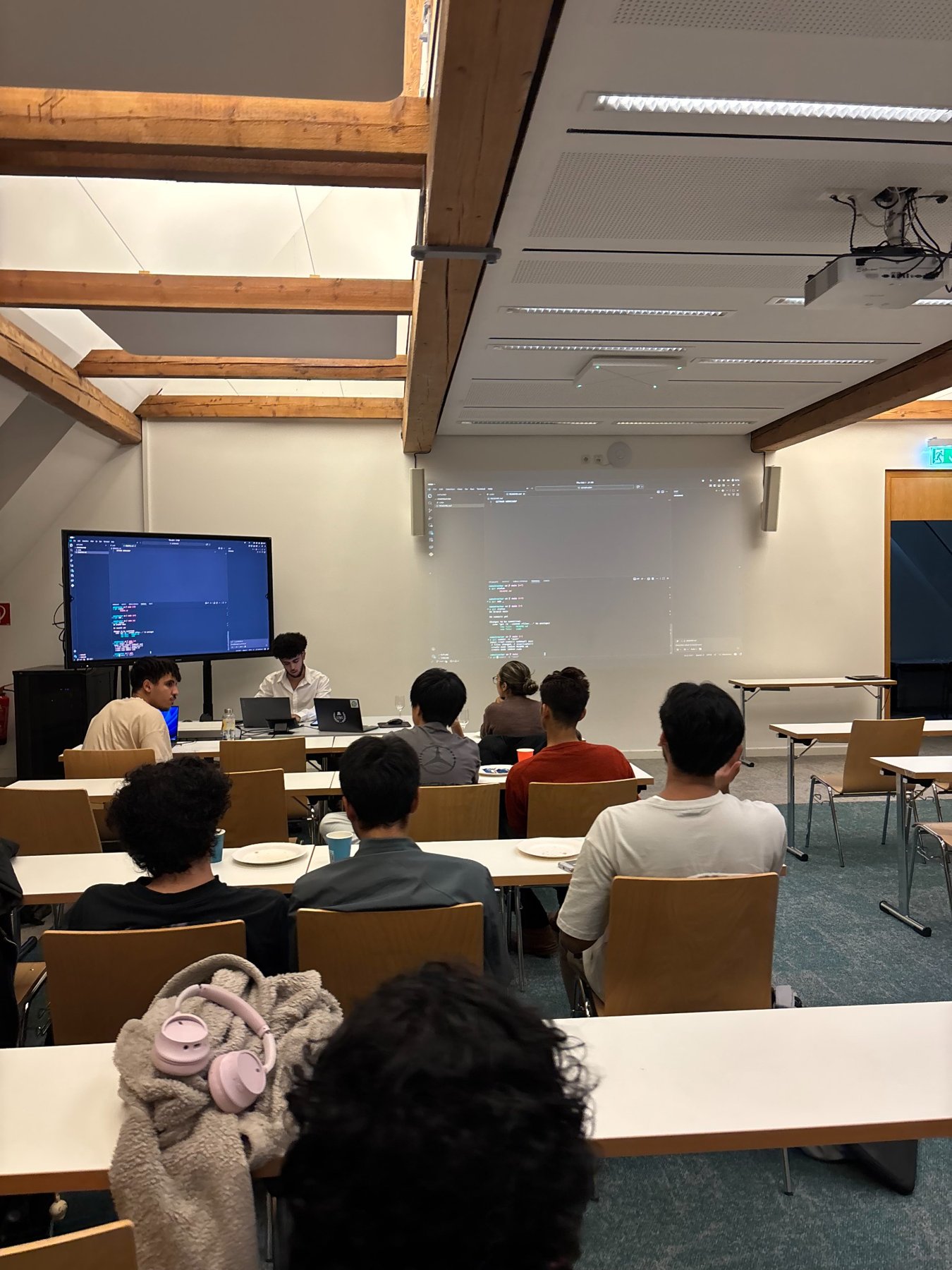
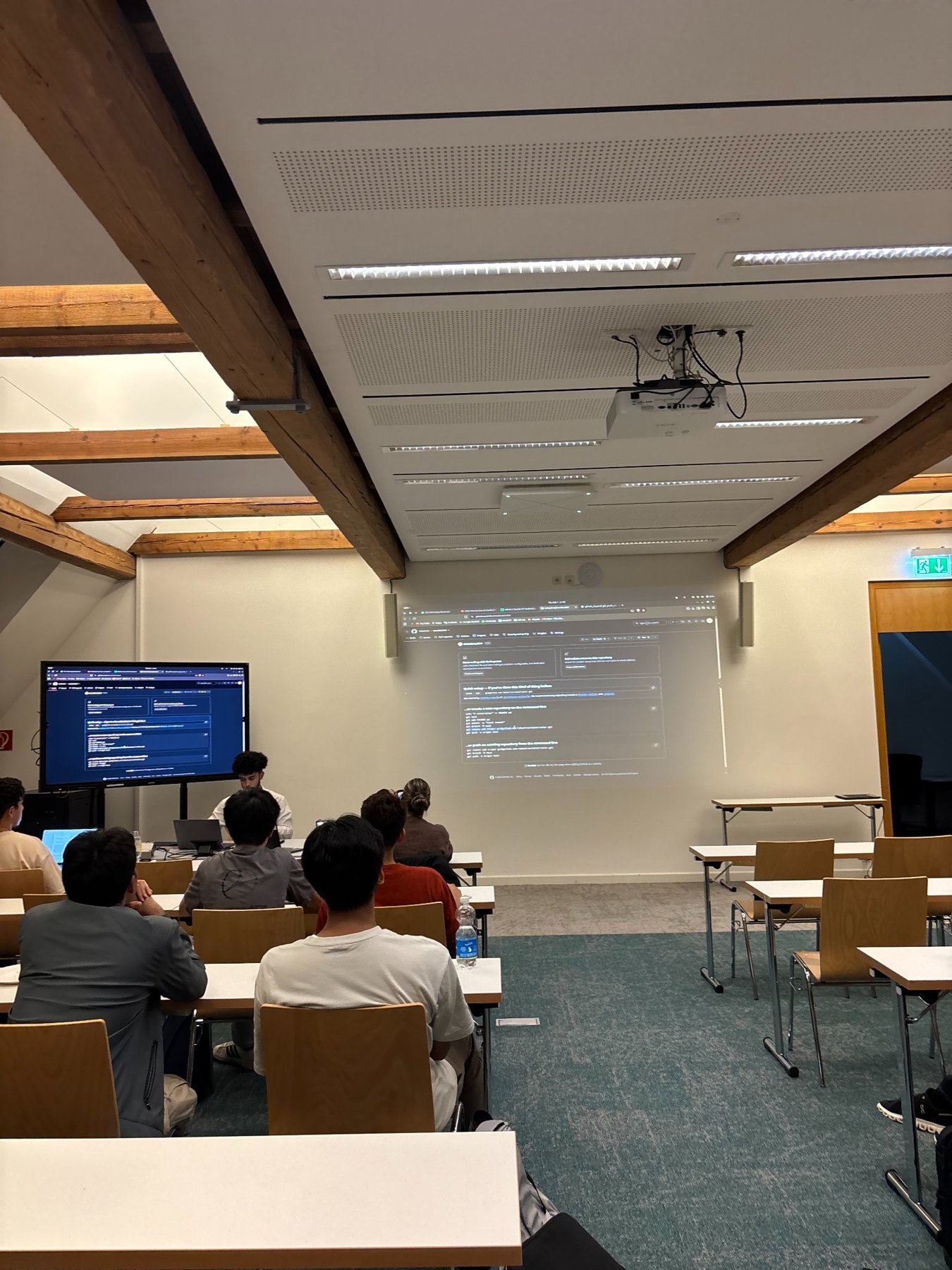
This beginner-friendly, hands-on Git and GitHub workshop introduced version control through a live project. Participants learned how to initialize a repository, check and stage changes, commit work, connect to GitHub, push and pull updates, and collaborate using branches and pull requests. The speaker also demonstrated how these tools support real software-development workflows.
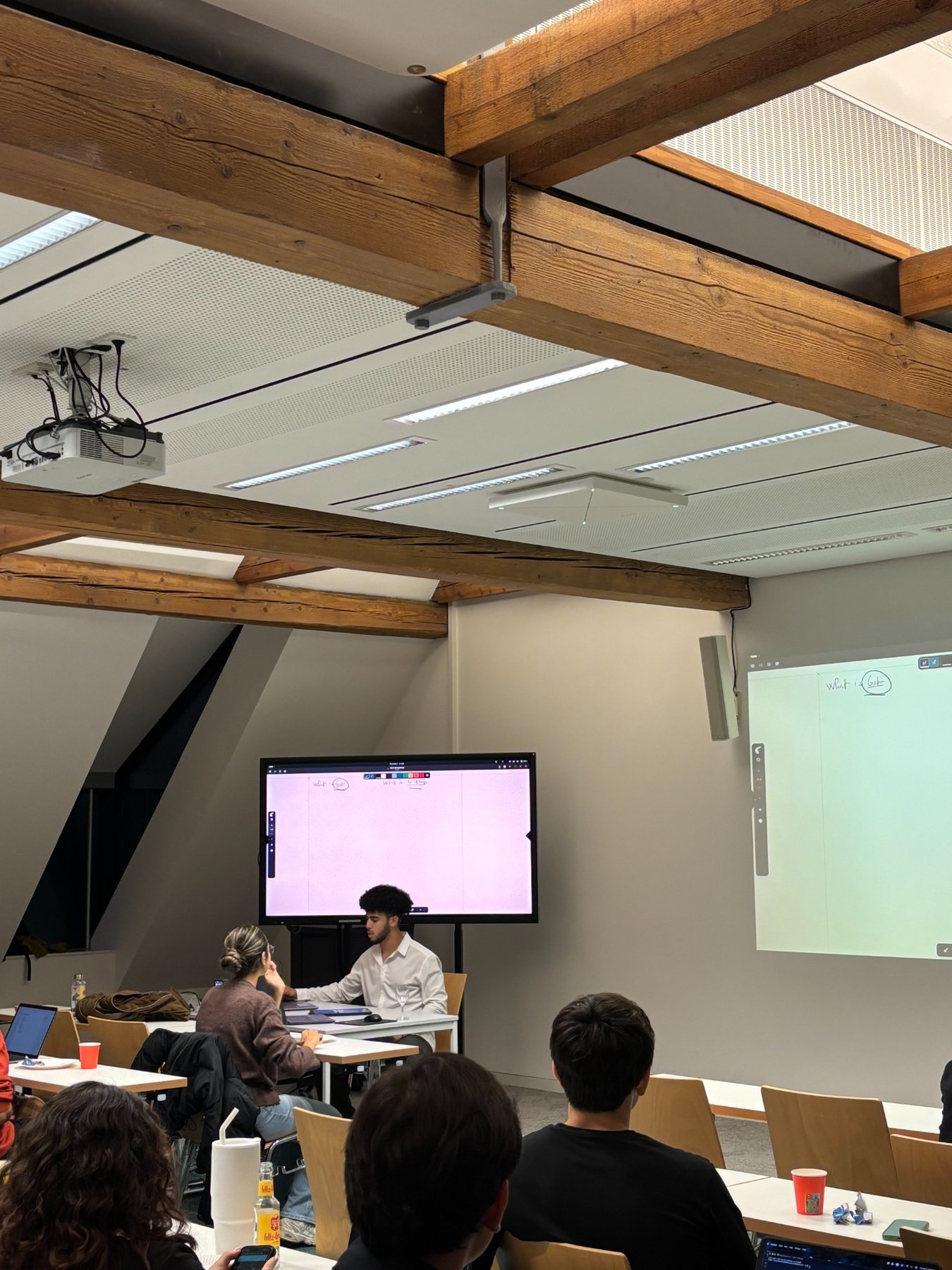
The workshop began with the difference between Git, a distributed version-control tool, and GitHub, a platform for hosting repositories and collaborating on code.
What we explored
Getting started
Initializing repositories, checking changes, staging files, making commits and writing useful commit messages.
Sharing projects
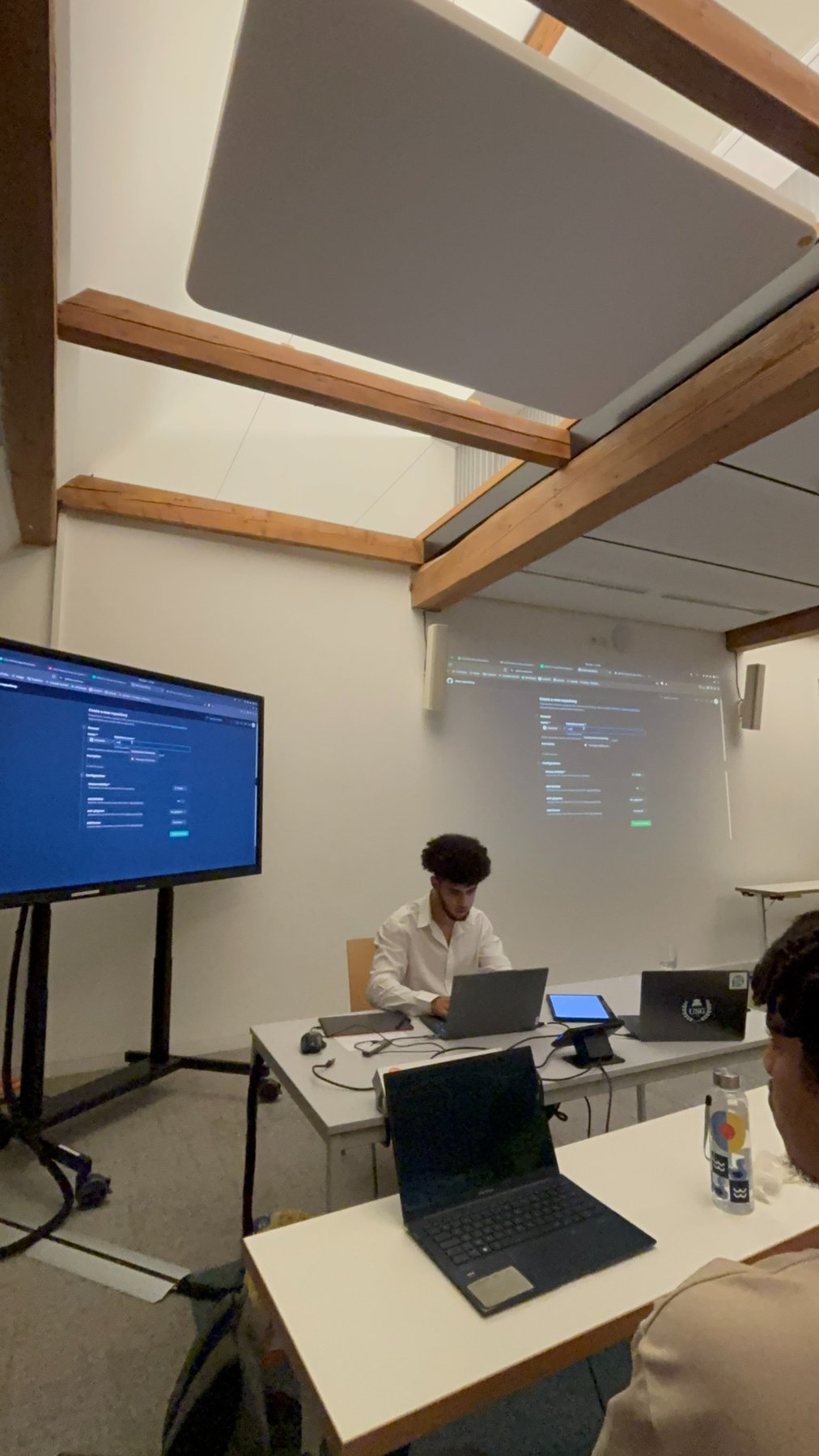
Creating a GitHub repository, connecting a remote, pushing work, cloning repositories and pulling updates.
Working as a team
Using branches to develop features independently, reviewing pull requests and merging contributions.
Managing changes
Exploring commit history, cherry-picking, ignoring files, unstaging changes and understanding reset options.
From demonstration to discussion
Through a live demonstration, attendees saw how version control supports real-world teamwork and how to recover from mistakes. The workshop also covered practical questions about SSH versus HTTPS authentication, avoiding unwanted files in repositories and why learning Git fundamentals remains valuable alongside AI coding tools.
Moments from the workshop
Watch the GitHub Workshop
Prefer YouTube? Watch the full recording on YouTube.